

Choose a pack and listen once
Start by selecting a sound world. In a standard run, the chosen pack provides the references. When the round begins, listen for the sound's rise and fall, the spacing of attacks, and changes in energy; the scored reference plays once.
Record and replay one take
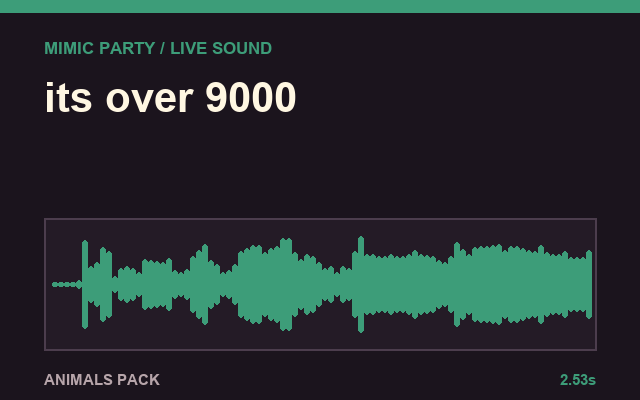
After the countdown, imitate the sound in a short recording window. A scored run has no mid-round restart. The game plays the take back before showing the score, and presents reference and player waveforms for comparison.
Read useful feedback
A clear take is scored from 0 to 100. The browser scorer can weigh relative melody, rhythm, attacks, energy, and texture. It does not require exact pitch and does not target a player's identity or accent. Very quiet, clipped, or noisy audio receives a low-confidence explanation instead of a fabricated precise score.
Optional bonus and practical setup
After round two, a player can spin or skip an optional wheel. It can add points or change the next playback while scoring still uses the clean captured signal. A quiet room, a steady microphone distance, and matching timing before tone are the site's practical recommendations.