
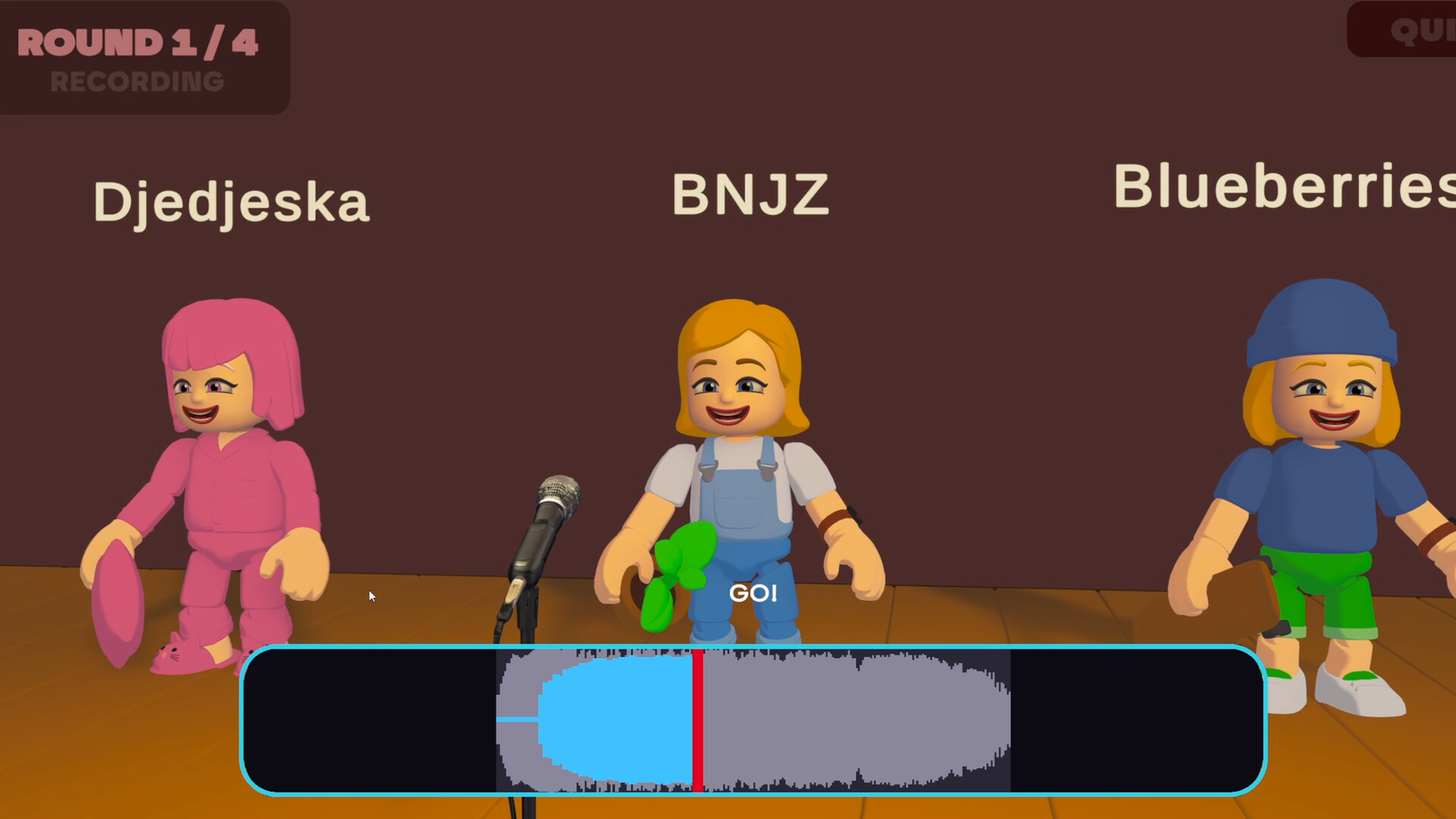
Microphone required
Steam lists a DirectX-compatible sound card and states that a microphone is required because the game is played with your voice. The game also requires a broadband internet connection for online multiplayer.
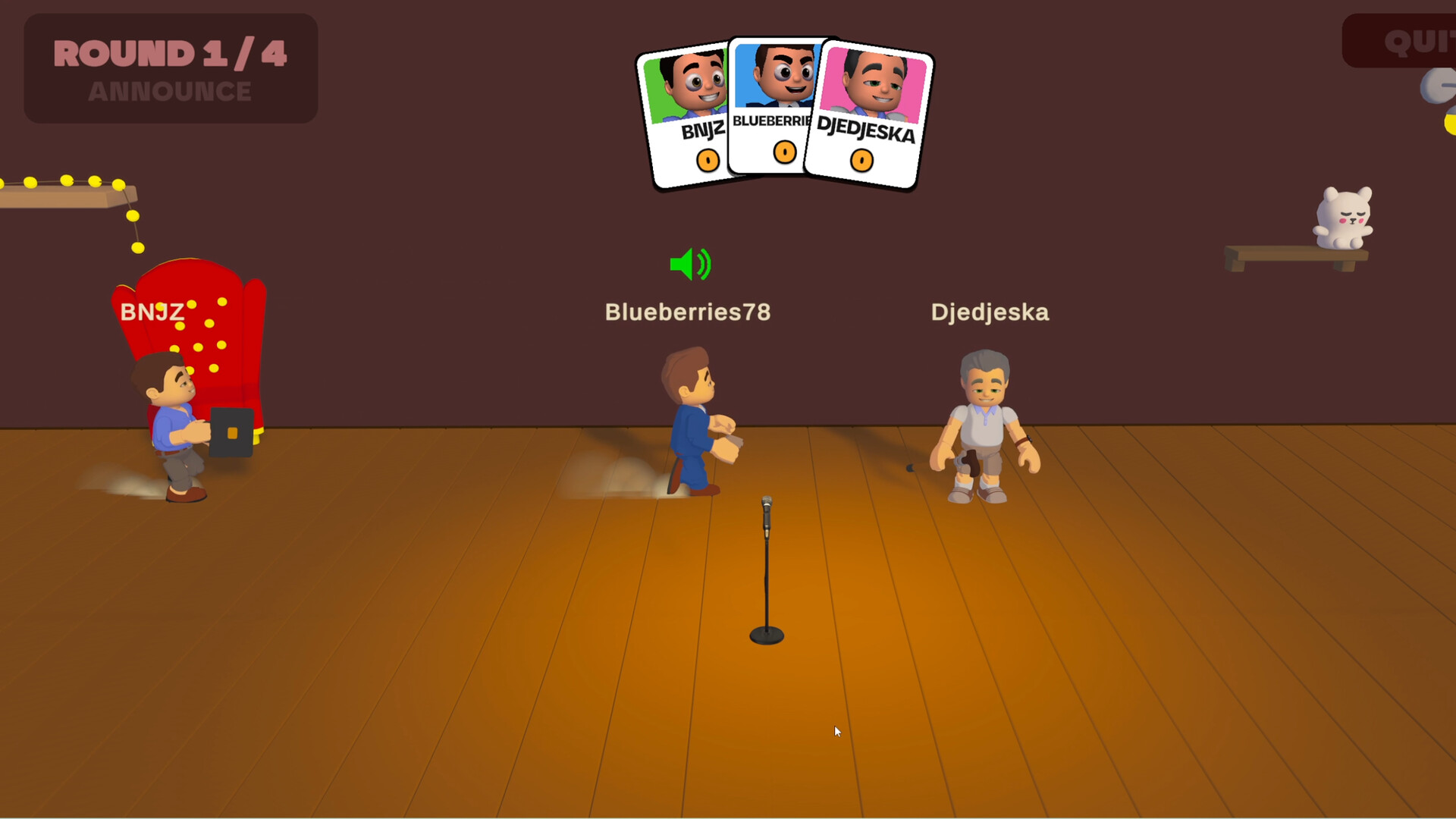
Headphones recommended
The official requirement note strongly recommends headphones so game audio does not leak into the microphone. This is useful both for clearer takes and for hearing the reference sound.
Avoid name confusion
The supplied research also contains an unrelated browser game using the Mimic Party name. That site explicitly says it is not affiliated with FoliesAPP, Valve, or the Steam release. This guide concerns the official Steam game by FoliesApp.